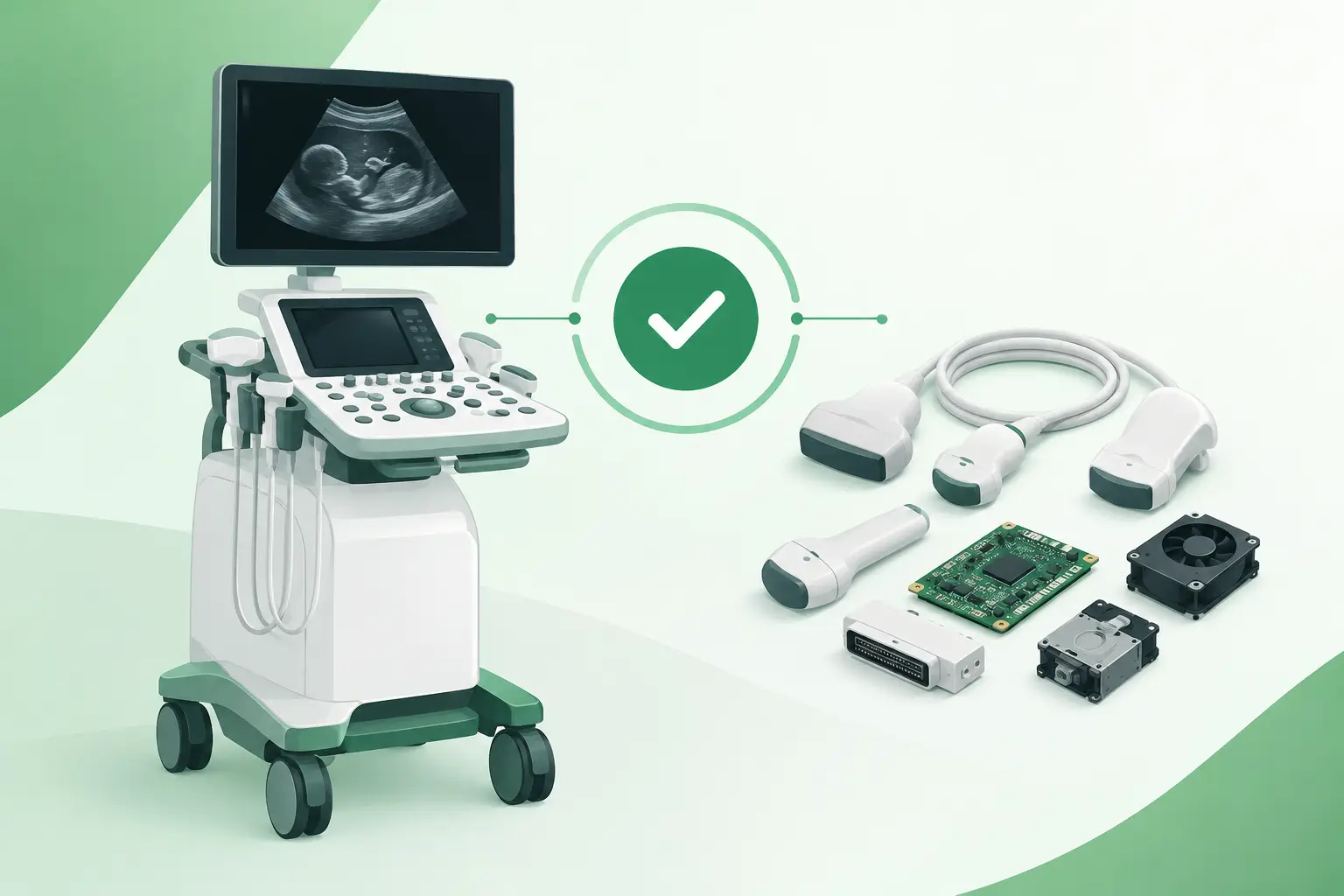
A probe can physically connect to a Canon ultrasound unit and still be the wrong replacement. Canon ultrasound compatibility is determined by more than a matching connector: the system platform, software level, probe family, OEM part number, board revision, and installed options can all affect whether a component will initialize and operate correctly. For a clinic or service team facing an outage, that distinction is the difference between restoring scanning capability and losing more time to a returned part.
Canon medical ultrasound equipment also includes a substantial installed base carrying the Toshiba name. Parts listings, service records, labels, and prior repairs may use Canon or Toshiba terminology for related product lines. Accurate sourcing starts by treating the requested component as a system-specific item, not as a generic ultrasound spare.
What Canon Ultrasound Compatibility Actually Means
Compatibility has two levels. The first is physical compatibility: connector type, mounting geometry, cable arrangement, voltage requirements, and fit within the console or cart. The second is functional compatibility: whether the ultrasound system recognizes the part, communicates with it correctly, and supports its intended imaging function.
Functional compatibility is usually the more consequential requirement. A transducer may use a similar connector while containing a different array design, identification circuit, channel configuration, or supported application set. Likewise, a power supply, control board, or front-end electronics assembly may look nearly identical across related systems but carry different firmware, calibration, or revision requirements.
This is why a model-family match alone is not enough. A request for a part from a Canon Aplio, Xario, Nemio, or other Toshiba-era platform should be cross-referenced to the exact system configuration and OEM part number whenever possible. Even within one product family, variants can differ by generation, region, optional modules, and hardware revision.
Canon Ultrasound Compatibility Checks Before Ordering
The most reliable procurement process begins with the information already available on the equipment. The system model and serial number establish the platform, but they rarely complete the compatibility check. A clear label photograph of the failed component and the OEM part number provide the strongest foundation for identifying an exact-match replacement.
For a probe, record the transducer model, part number, connector style, and any markings on the strain relief or connector housing. Also identify the clinical application involved, such as abdominal, vascular, cardiac, endocavitary, or small-parts imaging. This does not replace part-number verification, but it can expose an obvious mismatch before shipment.
For internal assemblies, service teams should provide the board or module part number, revision level, and any alternate numbers shown on labels. Relevant information may also include the system's software version, installed options, fault code, and whether the component is from the console, cart, monitor assembly, front-end, power distribution section, or probe interface.
A practical compatibility record should include:
- Exact Canon or Toshiba ultrasound system model and serial number
- OEM part number and revision from the failed item
- Clear photos of labels, connectors, and physical condition
- Relevant error messages, symptoms, or service findings
- Probe model and application, when the request involves a transducer
These details reduce ambiguity at the quotation stage. They also help distinguish a failed component from an underlying system issue. For example, an intermittent probe error can originate in the transducer cable, connector, probe port, front-end board, or software configuration. Ordering a replacement based only on the error displayed at the console can create an expensive false start.
Why Part Numbers Matter More Than Product Names
Product names are useful for narrowing a search, but OEM part numbers identify the specific assembly. A description such as “Canon ultrasound power supply” may correspond to multiple units with different outputs, harness connections, mounting arrangements, or revisions. “Aplio probe” is similarly broad, since a platform can support several probe types with distinct clinical uses and electronic characteristics.
Part-number-level sourcing also matters when an OEM number has been superseded. A later revision may replace an earlier assembly, but only if the manufacturer specifies that substitution and any required associated changes. In some cases, a newer board requires a matching firmware level, additional harness, bracket, or paired module. A compatible substitute should be documented as such, not assumed from appearance.
Transducer Compatibility Requires Extra Care
Ultrasound transducers are among the most application-specific and failure-prone components in the system. They are exposed to cable flexing, connector wear, fluid ingress, lens damage, and element failures that can degrade image quality before the probe fails completely. Replacing one quickly is often essential, particularly when it supports a high-demand examination type.
Yet transducer compatibility cannot be reduced to connector fit. The console must support the probe's array technology, frequency range, identification protocol, and software presets. A system may recognize a connected probe but limit available modes, reject it during initialization, or produce unacceptable image quality if the pairing is not correct.
The condition of a replacement probe also deserves focused evaluation. A used or refurbished probe should be assessed for housing integrity, cable condition, connector pin condition, lens wear, and image performance. For sensitive applications, the receiving organization should follow its own acceptance testing and clinical engineering procedures before returning the probe to service. Compatibility answers whether a probe belongs on the system; quality assessment answers whether it is ready for reliable use.
Internal Boards, Power Components, and Assemblies
Probe issues receive attention because they are visible to users, but many Canon ultrasound outages involve internal electronics. Common sourcing requests include power supplies, AC input assemblies, DC distribution components, front-end boards, beamformer-related electronics, control panels, monitor assemblies, hard drives, keyboards, trackballs, cooling fans, and system-specific cables.
These components frequently have subtle compatibility dependencies. A control board can differ in connector population or software revision. A power supply can share a form factor with another unit while providing a different voltage rail or signal interface. A console PC assembly may need a particular imaging software version, license configuration, or recovery process. Direct replacement is often possible, but only after confirming the assembly number and revision against the affected system.
Legacy equipment increases this need for precision. As a platform ages, original inventory may become scarce, and prior repairs may leave a system with mixed revisions. The correct sourcing question is not simply whether a part is available. It is whether the available part is an exact match, an approved substitute, or a component that requires additional configuration work.
Avoiding Common Compatibility Delays
The fastest way to delay a repair is to send incomplete identification data, order against a broad description, and discover the mismatch after delivery. This is especially common when a component has been removed before its labels were documented or when a probe is identified only by its clinical category.
Another avoidable problem is assuming that Canon and Toshiba branding automatically indicates interchangeability. The brands are connected in the product lineage, but platform generation and component numbering still control the decision. A part from a Toshiba-branded system should be checked against the exact equipment model rather than matched to a Canon-branded listing by name.
Finally, avoid treating compatibility as a single yes-or-no question when the fault has not been isolated. If the service diagnosis is uncertain, share the symptom history and troubleshooting results with the sourcing request. That information can help determine whether the requested part is likely to address the outage or whether adjacent components should also be investigated.
A Better Sourcing Process for Canon and Toshiba Ultrasound Parts
For time-sensitive repairs, the procurement objective is a verified replacement path with as few assumptions as possible. Start with the failed part's OEM number, then validate it against the ultrasound model, serial number, revision, and installed configuration. If an exact number is unavailable, evaluate alternate or superseding numbers only with a clear explanation of why they apply.
This approach is particularly valuable for discontinued probes, older console assemblies, and hard-to-find electronics where generic distribution channels may not have technical cross-reference depth. Meditegic supports this type of request by sourcing at the OEM part-number level across Canon/Toshiba and other diagnostic imaging platforms, including used, refurbished, and select new replacement components where appropriate.
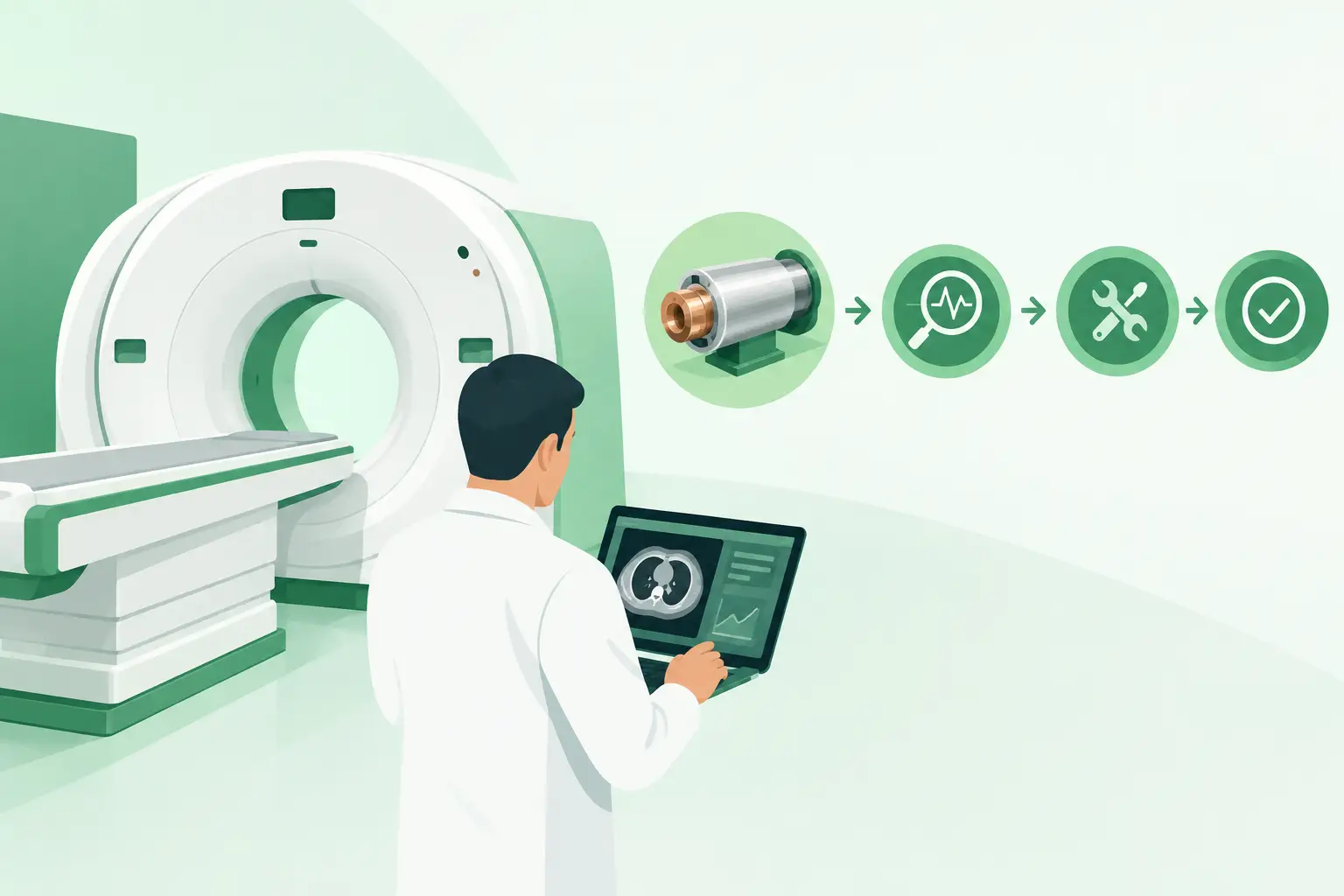
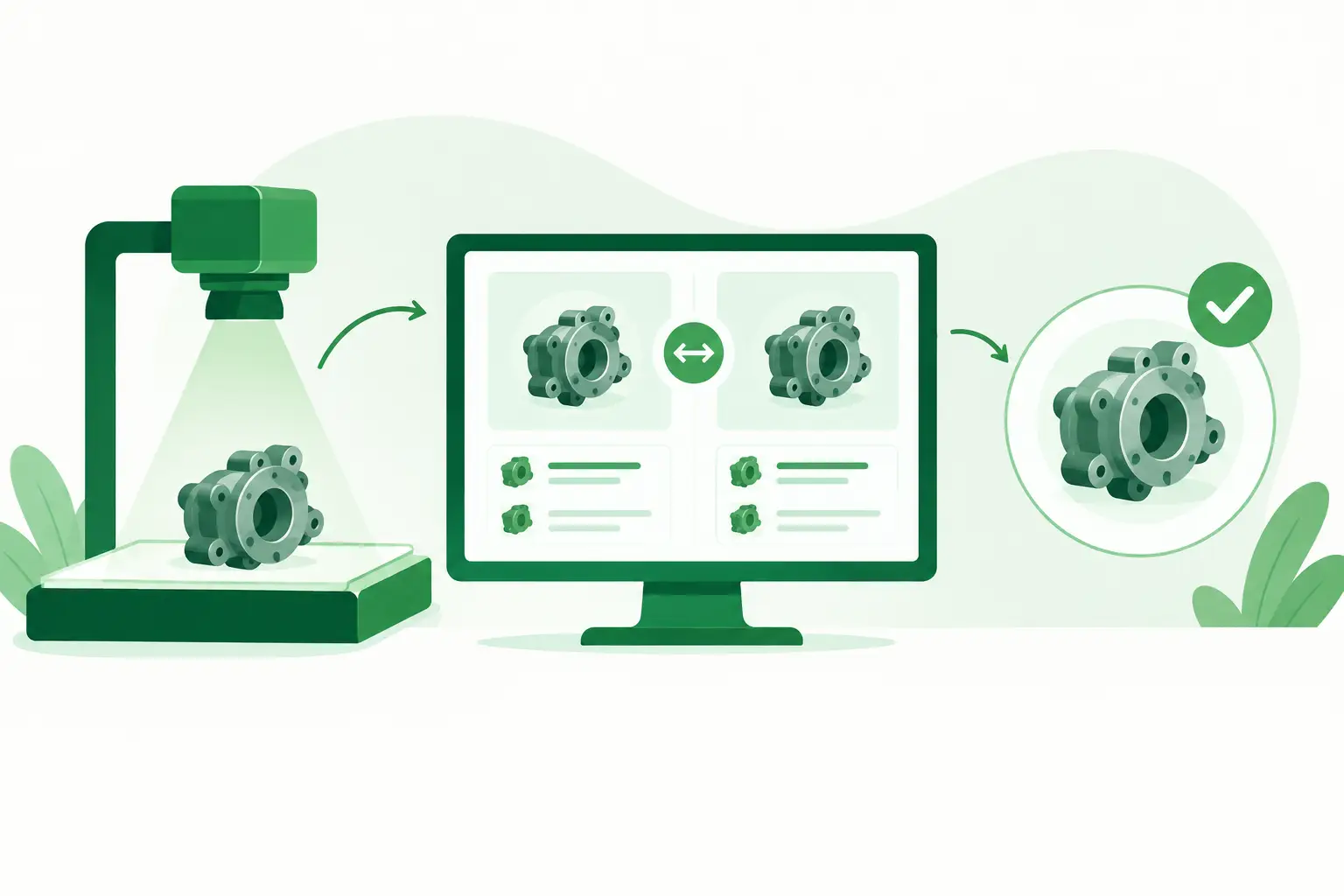
Before installation, compare the received part label, revision, connectors, and physical layout to the removed assembly. After installation, perform the functional checks required by the equipment documentation and the facility's biomedical engineering procedures. For probes, that should include image-quality and clinical acceptance testing appropriate to the intended use.
The useful question is never just “Will this fit?” It is “Can this exact component restore the configured system safely and predictably?” Bringing the system details, part number, and fault evidence together early gives the repair team the best chance of answering that question before downtime extends further.