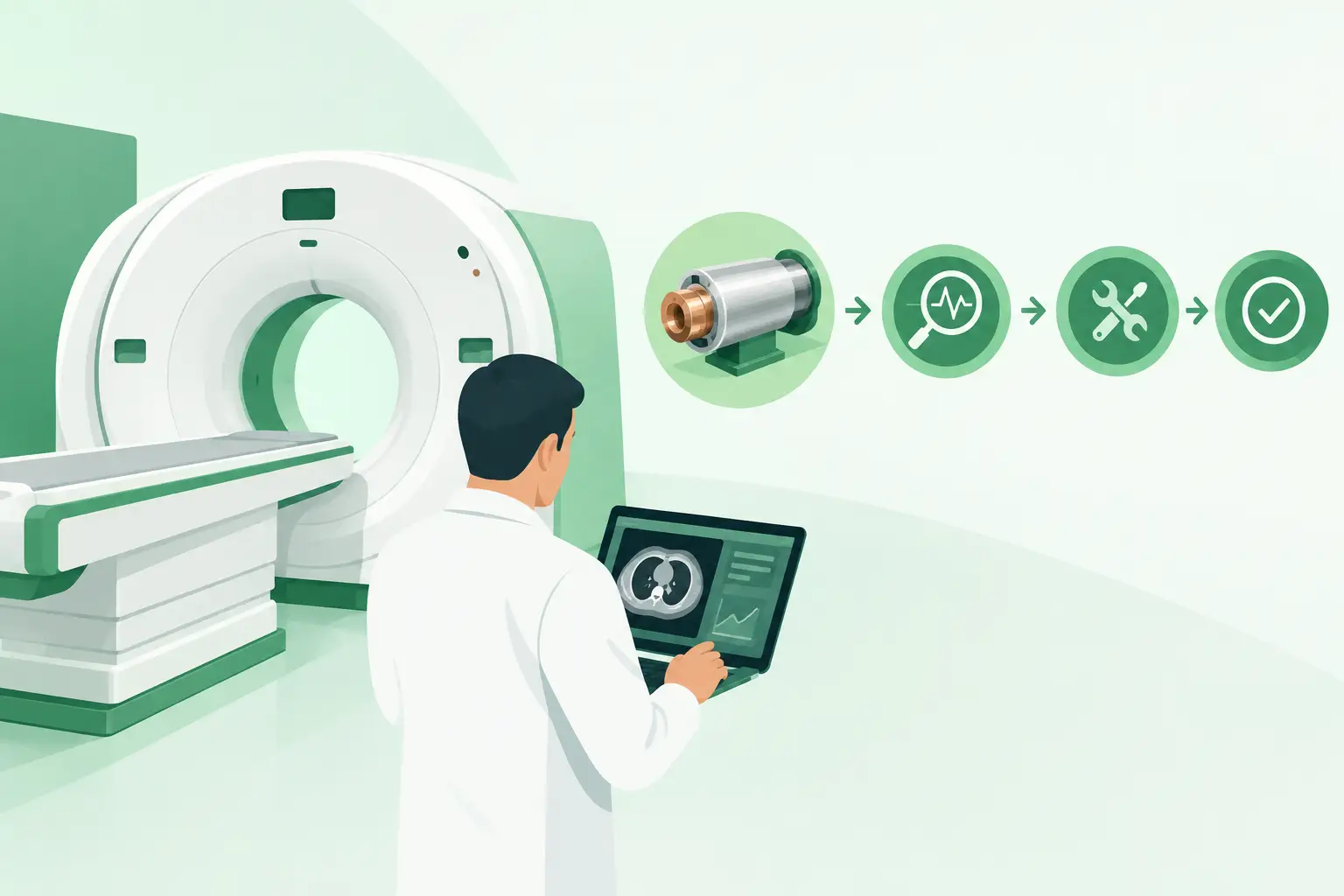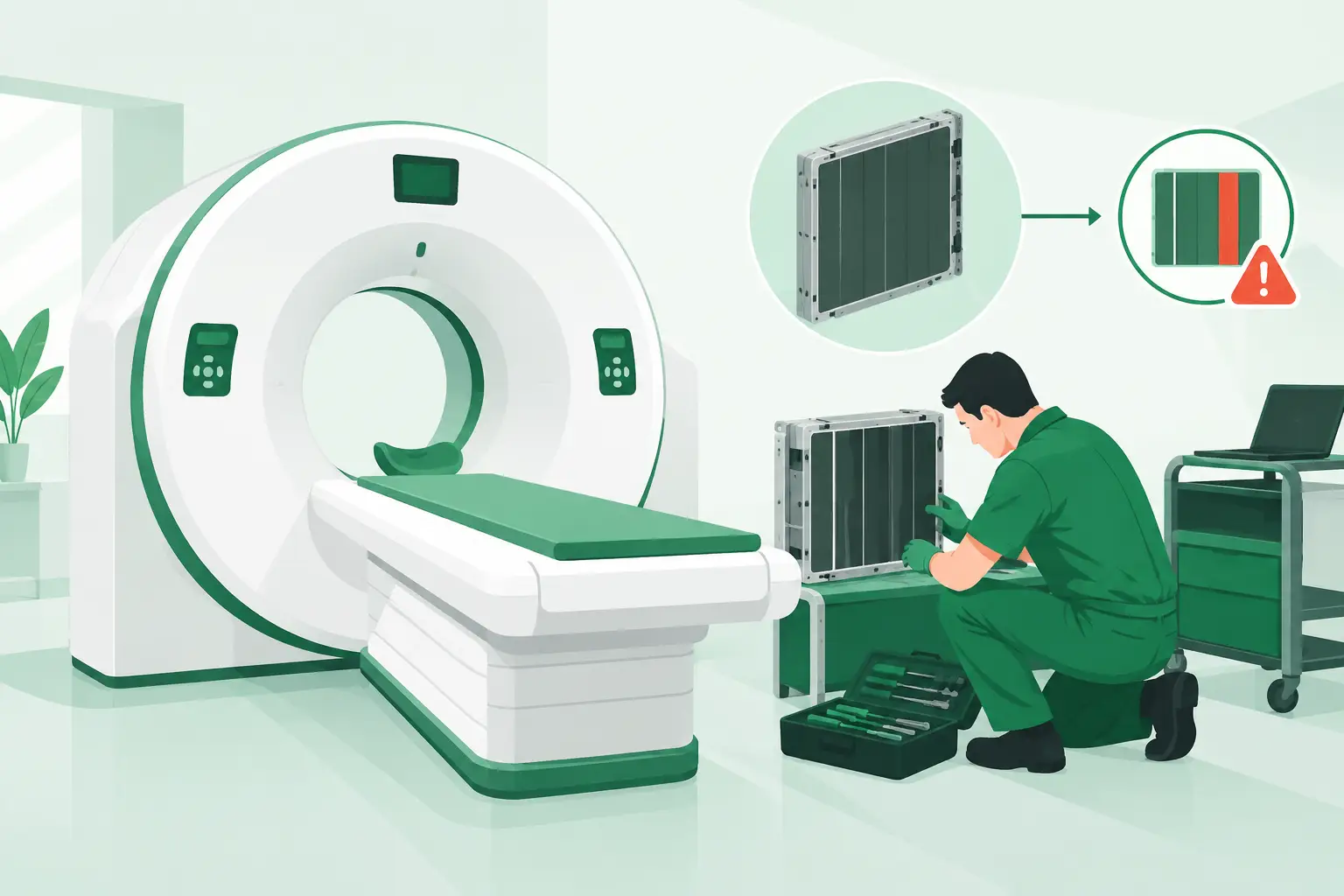
A ring artifact on a reconstructed image can point directly to CT detectors, but it does not automatically prove that the detector assembly is the failed component. Calibration status, data-acquisition electronics, gantry connections, temperature conditions, and software configuration can all produce similar symptoms. For service teams, the priority is to isolate the actual fault before ordering a high-value, system-specific replacement part.
What CT Detectors Do Inside the Scanner
CT detectors convert the X-ray photons that pass through the patient into electrical signals. Those signals are measured across thousands of detector elements as the gantry rotates, then processed into the cross-sectional images used for diagnosis. The detector system sits opposite the X-ray tube and is one of the most critical assemblies in the imaging chain.
Most modern CT platforms use solid-state detector modules. A scintillator layer first converts X-ray energy into visible light. Photodiodes then convert that light into electrical charge, which is read by associated electronics. The design is highly integrated: detector modules, data-acquisition system components, power distribution, cooling interfaces, cabling, and calibration data must operate together within tight tolerances.
That integration explains why a detector-related problem can affect more than image appearance. Depending on the system and failure mode, it may trigger calibration errors, prevent scan readiness, generate intermittent faults, or create image artifacts that make studies unacceptable for clinical use. A scanner may appear mechanically functional while its image chain remains compromised.
Common CT Detector Failure Signs
The most recognized sign is a persistent ring artifact. A defective or unstable detector channel can appear as a circular or partial circular pattern in axial images. The artifact may be subtle in some protocols and much more visible at certain slice thicknesses, reconstruction settings, or patient sizes.
Uniformity failures are another frequent concern. If a daily quality-control scan or phantom scan shows nonuniform density, banding, streaking, or localized shading that persists after approved correction procedures, the detector path should be investigated. The pattern matters. A repeated defect at the same angular location may suggest a channel, module, or acquisition issue, while a changing pattern can point toward intermittent connections, thermal behavior, or other gantry electronics.
Service logs can provide equally useful evidence. Recurrent detector communication errors, module initialization failures, calibration faults, or data-acquisition alarms should be reviewed alongside image symptoms. A detector assembly should not be selected based on a single error code alone. OEM-specific fault definitions, software revisions, and system architecture determine what each code actually identifies.
Intermittent failures require particular care. A system may pass basic checks after startup but fail after extended operation, high workload, or changes in gantry temperature. In those cases, documenting fault timing, scan protocol, ambient conditions, and the exact error sequence gives the service team a better basis for deciding whether the issue is the detector, a cable, a power component, cooling hardware, or the data-acquisition chain.
Detector Problems Are Not Always Detector Failures
Replacing a detector assembly without confirming the surrounding path can turn an urgent repair into a longer outage. Several components and conditions can mimic a failed detector.
A failed or marginal X-ray tube can cause image noise, streaks, output instability, and scan interruption. Collimator problems can affect beam geometry and image consistency. Loose or damaged gantry cabling may produce intermittent detector communication faults. Data-acquisition electronics, power supplies, cooling components, and control boards can all create symptoms that appear detector-related at first review.
Calibration is also central to diagnosis. CT systems rely on calibration data to compensate for normal detector response variation. A required calibration may fail because of a true detector issue, but it may also fail due to incorrect system conditions, configuration mismatch, or a problem elsewhere in the measurement chain. Follow the approved service procedure for the exact scanner model and software level before drawing conclusions from calibration results.
This is where a disciplined troubleshooting record pays off. Preserve screenshots, error logs, service reports, phantom images, and the results of any module-level checks. The information is useful not only for diagnosis, but also when requesting a replacement part from an aftermarket supplier.
What to Verify Before Sourcing a Replacement
CT detector assemblies are not interchangeable simply because they resemble each other or were used across the same OEM family. Exact identification is essential. A part number remains the starting point, but service teams should also confirm the scanner model, gantry version, detector configuration, applicable revisions, and any related electronics or calibration requirements.
When submitting a sourcing request, provide the OEM part number from the failed component whenever possible. Include the CT system manufacturer and model, serial number if available, error codes, and a clear description of the observed failure. Photos of identification labels can prevent transposition errors, especially on legacy systems where labels may show multiple manufacturing, assembly, or revision numbers.
It is also useful to clarify whether the need is for a complete detector assembly, an individual detector module, a data-acquisition board, a detector power component, or associated gantry hardware. The term “detector” is often used broadly in field communication, yet the required replacement may be a different part of the detector signal chain.
Compatibility must be confirmed at the part-number level rather than assumed from platform naming. A detector used in one generation of GE Healthcare, Siemens Healthineers, Philips, or Canon/Toshiba CT equipment may have revisions that are not suitable for another gantry or software configuration. A correct-looking component with the wrong revision can add avoidable delay and may not initialize correctly after installation.
Used, Refurbished, and New-Old-Stock Considerations
The appropriate condition depends on the urgency, the equipment’s lifecycle stage, available supply, and the component’s role in the repair. For discontinued CT platforms, used or refurbished detector-related parts may be the only practical route to restoring operation. For other systems, select new-old-stock inventory may be available, although availability can change quickly.
Condition terminology should be specific. “Used” generally means the part was removed from operational equipment and may have undergone varying levels of inspection. “Refurbished” should indicate that the component has been evaluated, repaired where applicable, and tested according to the supplier’s process. The meaningful question is not which label sounds preferable, but what traceability, inspection, functional testing, return terms, and compatibility confirmation are available for the exact component.
A complete detector replacement can also create downstream work. Installation may require alignment, calibration, configuration steps, software checks, or OEM-level service procedures. Before procurement, confirm who will install the part, what tools or access are required, and whether the service plan accounts for post-installation testing. Fast shipment matters, but a part that arrives without a viable installation path does not restore uptime.
Reducing Downtime When a Detector Fault Is Confirmed
The fastest sourcing process begins before a scanner is down. Maintaining an equipment list with manufacturer, model, serial number, installed options, and frequently replaced part numbers makes urgent identification much easier. For systems approaching end of life, service organizations can also track components that have become difficult to source, including detector modules, gantry boards, high-voltage parts, cooling assemblies, and workstation hardware.
When a failure occurs, communicate the technical facts early and consistently. A precise request prevents the back-and-forth that delays quotations and shipment. State whether the part number is confirmed, whether an alternate revision can be considered, whether the scanner is currently down, and what supporting diagnostics are available.
Meditegic supports CT and PET/CT service teams by locating exact-match imaging parts through a global supplier network, including hard-to-find detector assemblies and related gantry components for current and legacy platforms. For urgent requirements, part-number accuracy and a complete technical description are the strongest starting point for a productive search.
Practical Questions for the Service Team
Before releasing a purchase order, ask whether the reported fault has been isolated from tube, calibration, cabling, and data-acquisition causes. Confirm the full OEM part number and revision from the component label, not only from a service note. Verify the condition and testing status of the offered part, then confirm any installation, calibration, or configuration requirements for that scanner.
Also consider whether a related component should be inspected while the gantry is open. If the root cause involved heat, power instability, coolant flow, or a damaged connector, installing a replacement detector without addressing that condition can expose the new component to the same failure mechanism.
For CT detector faults, speed is valuable, but certainty is more valuable. A well-documented diagnosis and an exact part-number match give the repair the best chance of returning the scanner to dependable clinical operation on the first installation.