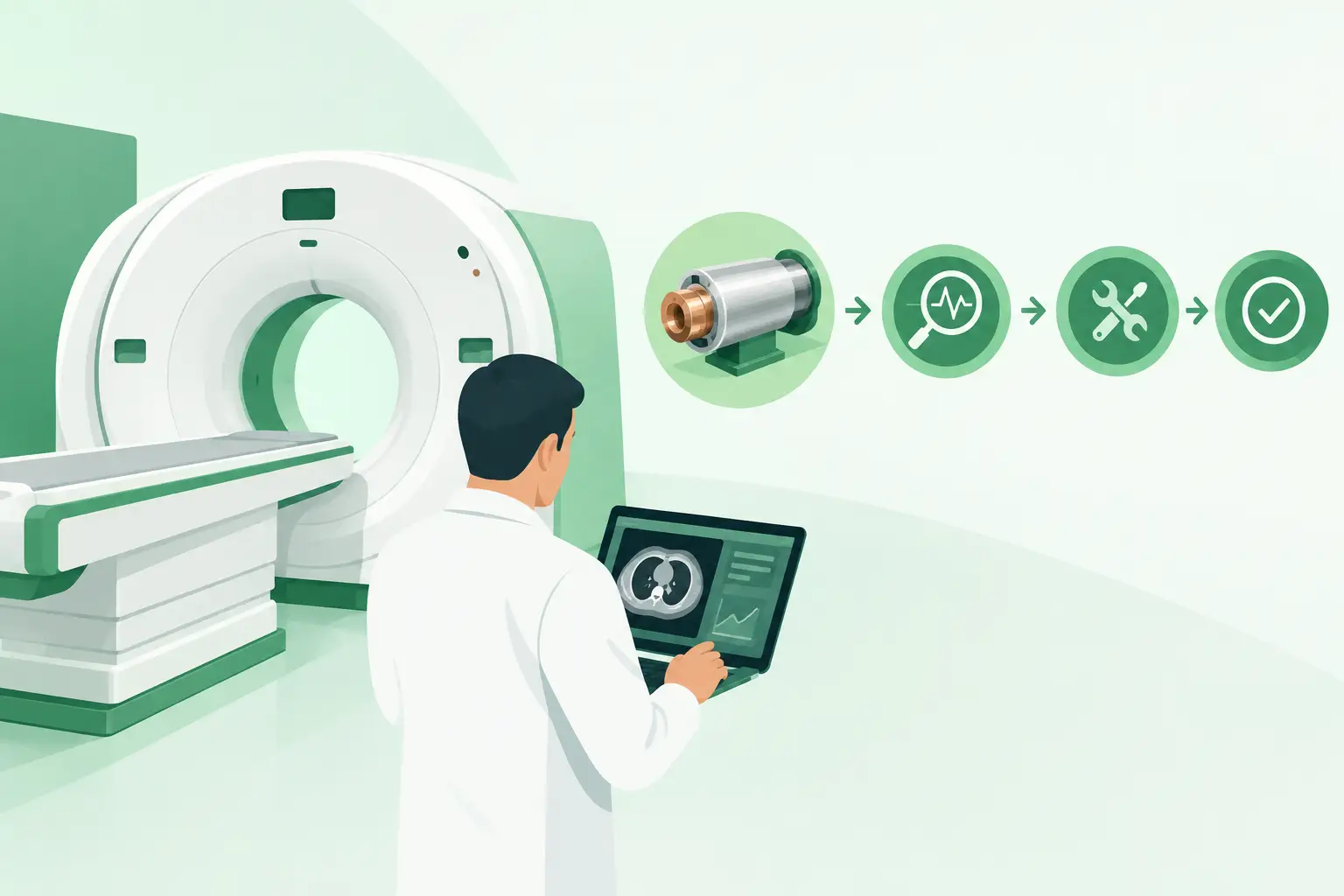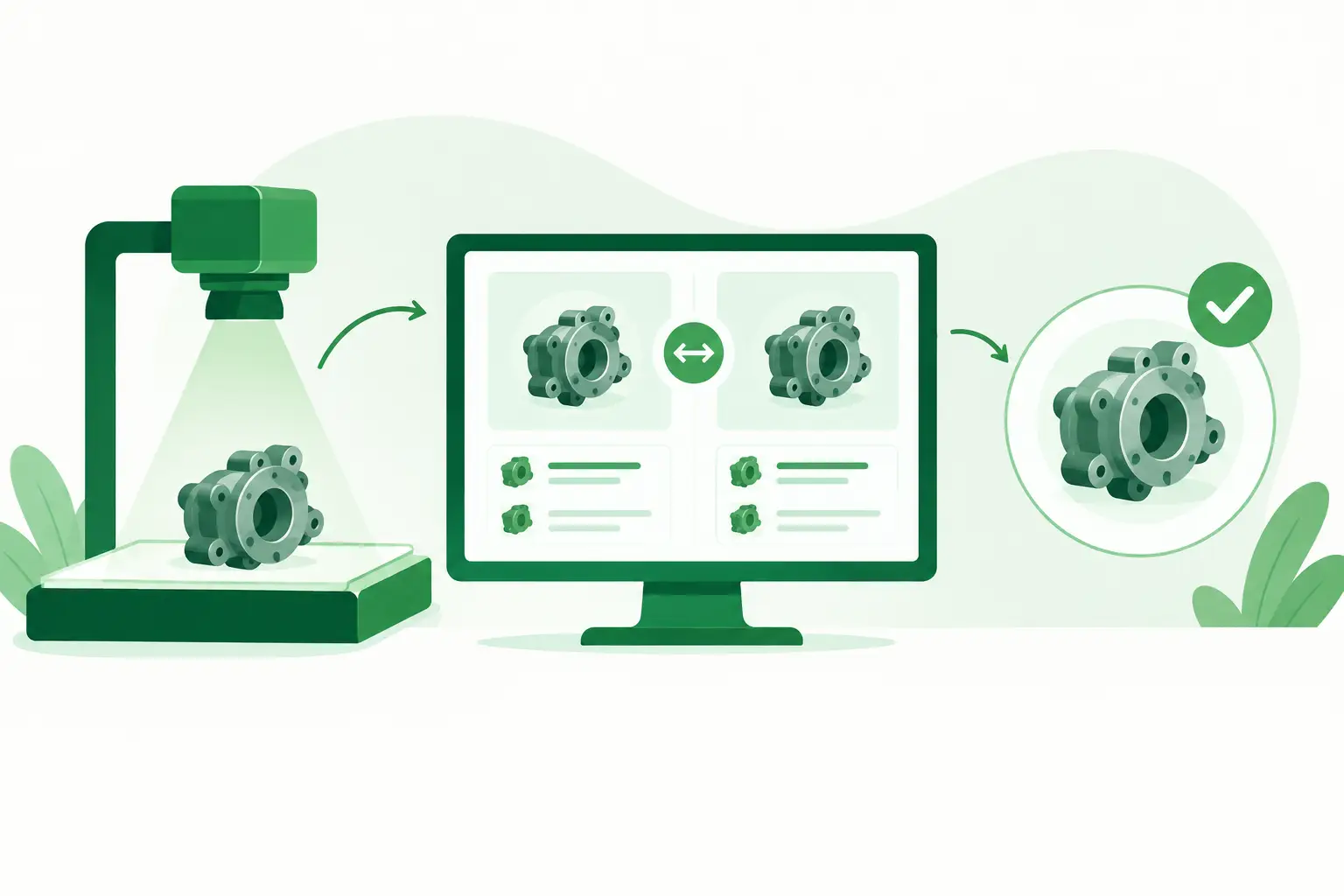
A guide to imaging parts databases is most useful when a scanner is down, the OEM number is incomplete, and the part is no longer readily available through standard channels. For an ISO, biomedical engineering department, or imaging repair specialist, the database is not simply an inventory catalog. It is a technical decision tool that connects a specific failed component to the correct system configuration, compatible alternatives, and a realistic sourcing path.
A weak search process can turn a routine repair into days of avoidable downtime. A disciplined database process narrows uncertainty before a quote is requested, especially for legacy CT, MRI, ultrasound, C-arm, mammography, CR/DR, and nuclear medicine equipment.
What an imaging parts database should do
An imaging parts database should organize components at the OEM part-number level while preserving the technical context around each number. A listing that says “Siemens power supply” or “GE detector” may be helpful for a broad search, but it is not sufficient to approve a replacement. Imaging platforms often use multiple revisions, interface types, software dependencies, and mechanical configurations under similar component descriptions.
The useful unit of information is therefore not just the part name. It is the part number, revision, manufacturer, modality, system family, and known compatibility relationship. For certain components, serial-number range, voltage specification, connector configuration, firmware level, or physical dimensions also determine whether the part can be used.
The best databases help technical buyers answer three operational questions quickly:
- Is this the exact component installed in the affected system?
- Is there a validated substitute, supersession, or interchangeable revision?
- Can the part be sourced, inspected, and shipped within the repair window?
These questions sound basic, but they are where many sourcing delays occur. A database that cannot distinguish a tube housing from an X-ray tube, an MRI RF coil from a similar-looking coil variant, or one flat-panel detector revision from another introduces risk precisely when uptime matters most.
Start with the equipment identity, not the part description
A part search should begin with the system’s full identification. Record the OEM, modality, system model, configuration, serial number, and installed software version when applicable. For mobile systems, document whether the system uses a particular generator, detector, or workstation option. For ultrasound, identify the scanner and transducer model, probe connector, and any option-specific compatibility requirements.
Next, capture the failed part exactly as it appears on the label. Photograph the label if possible. Include the OEM part number, assembly number, revision code, date code, and barcode or material number. Technicians often have a functional description such as “gantry control board” or “high-voltage tank,” but the label data is what enables precise cross-referencing.
This distinction matters because assemblies can be named inconsistently across service manuals, equipment labels, and aftermarket listings. A control board may be identified by a board-level number, an assembly-level number, and a spare-part number. All three may lead to the right result, but they should not be treated as interchangeable without verification.
Build a complete failure record
The database search becomes more reliable when the request includes the observed failure, not only the requested component. An error code, intermittent symptom, burned connector, image artifact, or voltage fault can reveal whether the suspected part is the actual root cause.
For example, a detector issue on a DR system may involve the panel itself, the detector control electronics, cable assembly, power supply, or calibration state. A database can identify compatible parts, but it cannot replace fault isolation. Providing the failure context helps the sourcing specialist flag a part that is frequently confused with the true failed assembly.
How to search imaging parts databases effectively
Search the exact OEM part number first, including dashes, spaces, and suffixes. If that search does not produce a result, run controlled variations: remove punctuation, search the base number without the revision suffix, and check alternate formatting used by the OEM or service documentation.
Then search by the system model and component type. This approach can expose cross-references when the original number has been superseded or when the available part is indexed under a related assembly number. Do not assume that a base number match establishes compatibility. A revision suffix may represent a minor label change, but it can also indicate a different interface, calibration requirement, or design update.
For discontinued equipment, expand the search to system families and legacy names. OEM product naming changes over time, and older platforms may be listed under a predecessor brand such as Toshiba, Medison, or Hitachi. This is particularly relevant for long-life modalities where installed systems remain clinically valuable after OEM support has narrowed.
A specialized supplier database can also connect the search to broader global availability. Meditegic supports this process with OEM-level cross-referencing across major imaging brands and modalities, which is valuable when a rare component is not sitting in a single visible warehouse location.
The data fields that reduce ordering errors
A searchable database is only as reliable as the data maintained behind each record. For technical procurement, the highest-value fields are those that prevent a near-match from being ordered as an exact match.
At minimum, records should preserve the OEM part number, alternate and superseded numbers, OEM and system model, modality, component description, revision, condition, and compatibility notes. The record should also indicate whether the item is a complete assembly, a subassembly, or a board-level component. This prevents a buyer from ordering a PCB when the repair requires the full enclosure, cooling assembly, or cable set.
Condition status requires equal attention. Used, refurbished, and select new replacement parts serve different needs, and the database should state which condition is available rather than grouping them together. For critical items such as MRI gradient components, image intensifiers, transducers, high-voltage tanks, and X-ray generators, buyers also need to know whether testing, inspection, repair history, or exchange requirements affect the transaction.
Treat cross-references as evidence, not guarantees
Cross-reference data is essential in the imaging aftermarket, but it must be handled carefully. A database may show that one number replaced another, that two numbers appear on the same assembly, or that an item is commonly used in several systems. Those are strong leads, not automatic authorization to install the part.
Before approval, verify the relationship against the installed component label, applicable service documentation, and system configuration. Ask whether a replacement requires software loading, calibration, mechanical alignment, or a return of the failed core. The answer changes both the repair plan and the true time to restoration.
Common database mistakes that create downtime
The most expensive error is ordering from a generic description instead of the actual label number. The second is assuming that a part from the same OEM and model family will fit every configuration. Both errors are common with consoles, detector electronics, collimators, table assemblies, and boards that underwent multiple revisions during a system’s production life.
Another frequent problem is treating availability status as the final answer. A listing may indicate that a part is available, but technical buyers still need confirmation of condition, revision, lead time, test status, and whether the component is physically in stock or requires sourcing from a partner network. For an urgent repair, the distinction between a confirmed unit and a search lead is substantial.
Finally, avoid sending a purchase request with only a broad equipment name and an urgent deadline. Urgency is useful context, but it does not compensate for missing technical data. A clear request containing the system identification, part label, quantity, failure details, required delivery location, and any core-return constraints allows the supplier to quote accurately instead of reopening the identification process.
Create a repeatable internal workflow
Organizations with multiple imaging assets benefit from a simple recordkeeping discipline. When a replacement is installed, retain the original part number, replacement number, revision, system serial number, repair outcome, and any compatibility notes. Over time, this creates an internal history of proven substitutions, recurring failures, and parts that should be identified before they become urgent.
It also improves communication between clinical engineering, field service personnel, purchasing, and outside suppliers. The technician can document the technical need, procurement can verify delivery and commercial requirements, and the supplier can focus on locating the correct unit rather than interpreting incomplete descriptions.
For high-risk assets, keep a short list of components with long sourcing cycles or frequent failure exposure. This might include specialized ultrasound probes, legacy flat panels, MRI coils, generator boards, cooling assemblies, or modality-specific power supplies. The goal is not to stock every possible spare. It is to know which exact parts would threaten continuity of care if they became unavailable.
The right database process does not eliminate every supply constraint, particularly for end-of-life imaging platforms. It gives the repair team a better starting point: verified equipment data, exact-match identification, and a sourcing request that can move at the speed the downtime event requires.