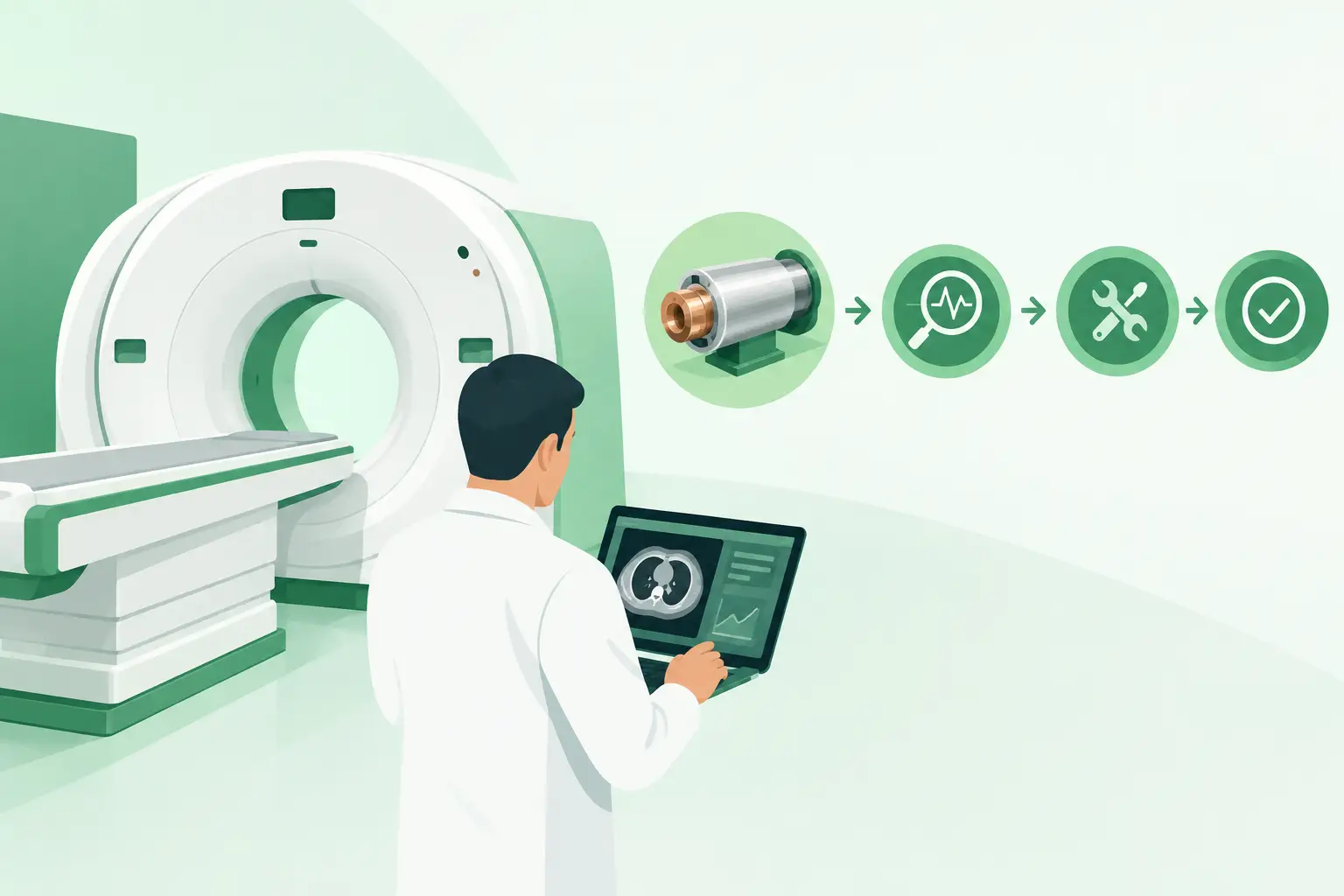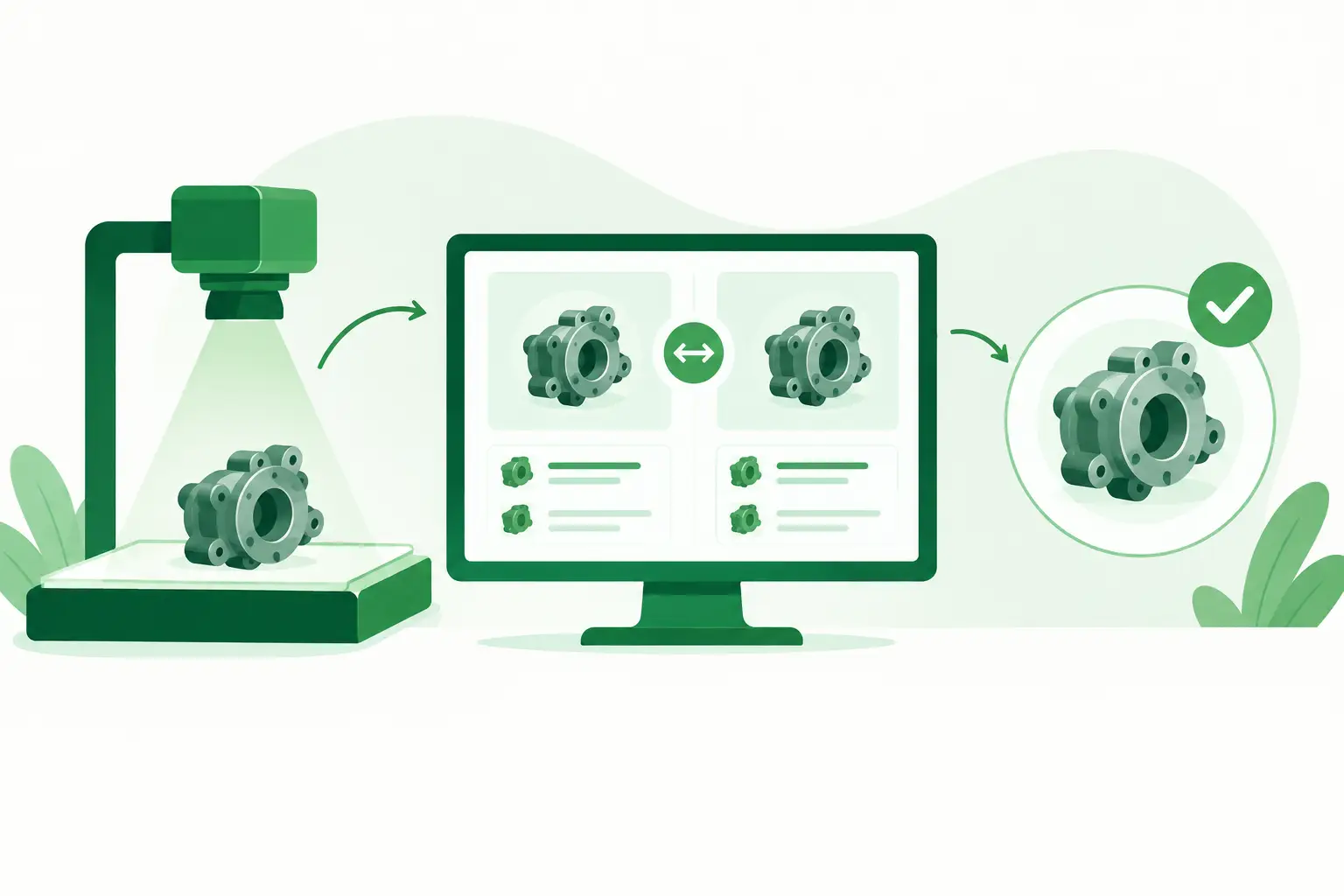
A CT scanner waiting on a single power supply, an ultrasound system with an intermittent probe fault, or a C-arm stopped by a failed board can disrupt far more than a service schedule. Imaging downtime delays examinations, creates pressure on technical teams, and can quickly become a costly operational problem. Knowing how to reduce imaging downtime starts with treating each failure as both an immediate repair event and a planning signal.
For biomedical engineers, independent service organizations, and imaging-site owners, the goal is not simply to repair equipment faster. It is to shorten the entire time between fault detection and verified return to service. That requires better diagnostics, disciplined documentation, realistic spare-parts planning, and a sourcing process built for complex and legacy imaging systems.
Start With Faster, More Certain Fault Isolation
The fastest part order is still too slow if the diagnosis is wrong. Before requesting a replacement, technicians should capture the information that distinguishes a probable cause from a confirmed failed component: error codes, system logs, visible alarms, sequence of events, recent service history, and the system configuration.
A fault that appears to be a failed detector, for example, may originate in a power distribution issue, a communication cable, an interface board, or a software configuration change. Replacing the most visible suspect without checking upstream causes can add days to the outage and consume a limited spare unnecessarily.
Create a standard fault-intake record for every significant imaging issue. It should include the modality, manufacturer, model, serial number, exact part number when available, software version where relevant, and photos of labels or connectors. For CT, PET, MRI, nuclear medicine, mammography, X-ray, and C-arm systems, revisions and option packages can materially affect compatibility. The more precise the request, the more quickly a qualified supplier can identify a usable match.
Use the Part Number, Not Just the System Model
A system model alone is rarely sufficient for sourcing high-value imaging components. A single platform may use multiple revisions of boards, displays, power supplies, transducers, coils, or control assemblies across its production life.
When a label is damaged or unavailable, provide all available details rather than guessing. Connector type, board revision, assembly number, photographs, and the original error condition can help validate the item. A supplier may be able to locate a component by cross-reference, but that process is faster when the technical record is complete.
This discipline also protects against a common trade-off: accepting a readily available part that looks correct but is not verified for the installed configuration. In imaging service, a lower purchase price does not offset the cost of a second outage.
Build a Downtime Plan Around Critical Components
Not every spare needs to sit on site. Carrying a large inventory can tie up budget, create storage and obsolescence risk, and leave teams holding parts for systems that are retired before the spare is used. The better approach is to identify components whose failure would stop imaging and whose replacement lead time is unacceptable.
A practical critical-spares review considers three questions: How often does the item fail? What is the operational impact when it does? How difficult is it to obtain an exact replacement? Parts with low failure rates may still deserve attention when they are discontinued, scarce, or essential to system startup.
For many facilities and service providers, the most appropriate model is a mix of on-site stock, regional access, and rapid supplier sourcing. Frequently needed items, low-cost consumable service components, or parts with predictable failure patterns may justify local inventory. Rare, expensive, or highly system-specific assemblies are often better managed through a dependable sourcing partner with access to multiple inventory channels.
Review Your Failure History, Not Generic Lists
Generic critical-spares lists are useful only as a starting point. Your installed base, equipment age, service coverage, location, and clinical workload should drive decisions.
Review work orders from the last 12 to 24 months. Look for repeated failures, long procurement delays, and repairs that required multiple attempts to identify the correct component. If a certain inverter, monitor, workstation board, gradient-related assembly, or ultrasound transducer repeatedly creates extended outages, it deserves a more deliberate coverage plan.
Also consider the age profile of each modality. A current system under comprehensive coverage has different exposure than a legacy unit maintained by an in-house team or independent service provider. Older systems can remain clinically valuable, but their parts strategy must account for discontinued OEM supply and uneven availability in the aftermarket.
Reduce the Time Lost Between Diagnosis and Purchase Order
Many downtime events are extended by internal handoffs rather than technical complexity. A technician identifies the issue, waits for approval to request a quote, receives a quote lacking enough detail, and then begins the compatibility discussion after the fact. Those delays are avoidable.
Set clear authorization thresholds for urgent imaging repairs. Technical teams should know who can approve a quote, what documentation is required, and what shipment options are acceptable for a system that is fully down. Procurement teams should understand that an exact-match replacement for a critical imaging asset is not a routine catalog purchase.
A useful request to a parts supplier includes the equipment details, part number, required quantity, condition preference, urgency, destination, and whether a core return is possible or required. Stating whether a refurbished or tested used component is acceptable can widen the available supply without compromising the decision process. The right condition depends on the component, the repair scope, warranty expectations, and the site’s technical requirements.
Qualify Suppliers Before the Urgent Call
The worst time to evaluate a supplier is while an imaging room is down. Establish relationships before the emergency, especially for systems with aging or difficult-to-source components.
A capable imaging-parts source should be able to communicate clearly about part identification, condition, testing status, availability, shipping options, and warranty terms. It should also understand that a request for a board, tube-related component, coil, transducer, detector-related assembly, or workstation part may require more than a basic product lookup.
Ask how the supplier handles revisions, whether it can provide label photos when needed, and how quickly it responds to urgent requests. Inventory matters, but network reach matters too. Hard-to-find components are often located through a combination of stocked inventory, specialized suppliers, de-installed systems, and vetted aftermarket channels.
For organizations supporting multiple modalities or locations, consolidating these requests with an imaging-focused sourcing partner can reduce repetitive vendor qualification work. Meditegic supports this need by locating used and refurbished replacement components for complex imaging equipment, including difficult-to-source and legacy parts.
Improve Repair Readiness With Documentation and Training
Downtime reduction is a team process. A well-stocked storeroom cannot compensate for inconsistent service records, and an experienced technician cannot work efficiently without access to prior repair information.
Maintain current equipment files that include serial numbers, system configurations, service manuals where permitted, past failures, installed part numbers, and known compatibility notes. Update the record when a component is replaced, especially if the installed revision differs from the original. Over time, this creates a practical knowledge base that helps technicians recognize patterns and helps purchasing avoid inaccurate orders.
Cross-training also matters. If only one person knows the shutdown sequence, diagnostic process, or part-identification method for a particular modality, a routine failure can become a scheduling problem. Written escalation paths and basic modality-specific procedures help maintain momentum when the primary specialist is unavailable.
Measure Downtime as a Process, Not Just a Number
Track more than total hours out of service. Separate the event into diagnostic time, approval time, quote time, sourcing time, shipping time, installation time, and post-repair verification time. This shows where the real bottleneck sits.
If parts are consistently available but approval takes two days, inventory is not the problem. If approvals are fast but sourcing a discontinued board takes a week, then supplier coverage or advance planning needs attention. If replacement parts arrive quickly but repairs fail verification, review diagnostic accuracy and installation procedures.
A simple monthly review of major downtime events can reveal high-impact improvements. Focus first on failures that affected patient scheduling, required external support, or resulted in repeat shipments. The objective is not to eliminate every outage - imaging equipment is complex, and some failures are unpredictable. It is to make the response controlled, repeatable, and faster each time.
When the next critical component fails, the most valuable asset is not a generic emergency plan. It is a current technical record, a confirmed part number, clear approval authority, and a supplier path already prepared to act.